How to Recover a Hacked WordPress Website
QUICK ANSWER To recover a hacked WordPress website: take the site offline, change every password connected to it, and work out roughly when the infection started before restoring anything. Restoring a backup made after the compromise simply reinstalls the hack. When no clean backup exists, because the host wiped the account, the backup plugin had…
QUICK ANSWER
To recover a hacked WordPress website: take the site offline, change every password connected to it, and work out roughly when the infection started before restoring anything. Restoring a backup made after the compromise simply reinstalls the hack. When no clean backup exists, because the host wiped the account, the backup plugin had stopped running, or every available copy is already infected, the site can be rebuilt from an archived snapshot of its public pages taken before the infection date. Sucuri’s 2023 Hacked Website Report found roughly half of infected sites are left with a backdoor, so relaunch on a fresh WordPress install rather than the compromised one.
You log into your WordPress site and something is wrong. Maybe Google is flagging it with a red warning screen. Maybe your host emailed you about malware and suspended the account. Maybe you just found strange pages ranking for pharmacy ads you never wrote. Whatever tipped you off, the site in front of you is not the one you built.
A hacked WordPress site is one of the more recoverable problems in this line of work, and that is worth saying upfront before anything else. The content usually still exists somewhere, the domain is still yours, and what you are dealing with is a WordPress hack cleanup with a specific order of operations rather than a total loss. This guide walks through how to recover a hacked WordPress site step by step, including what to do when there is no clean backup left because the usual restore path is no longer an option.
Signs Your WordPress Site Has Been Hacked
Not every broken page is a hack. Plugin conflicts, expired SSL certificates, and failed updates can all produce symptoms that look alarming but have nothing to do with an attacker. It helps to know what you are actually looking at before you start pulling the site apart.
- A Google Safe Browsing warning, or a “this site may be hacked” label sitting under your listing in search results.
- Random new pages ranking for pharmacy names, replica products, essay writing services, or other spam you never wrote.
- A new admin user in your WordPress dashboard that nobody on your team created.
- Your host suspending the account or emailing you about malware and abuse complaints.
- Visitors getting redirected to a completely different site the moment they land on yours, often only on mobile or only from search.
- Files in your directory with names that look almost right but not quite, or timestamps from a date nobody was working.
One detail worth noticing: several of these only show up for visitors arriving from Google, or only on phones. Attackers do that deliberately so the owner logging in directly sees nothing wrong. If customers report something you cannot reproduce, believe the customers.
Common Types of WordPress Hacks and Compromises
Knowing which kind of hack you are dealing with tells you how urgent the cleanup is and how much damage has already been done to your search presence.
| Type | What you see | Why it matters |
|---|---|---|
| SEO or pharma spam | Hidden pages and links for unrelated products | Damages rankings and can trigger a Google warning |
| Malicious redirect | Visitors bounced to another site, often only from search or mobile | Kills traffic immediately and is highly visible to customers |
| Backdoor or web shell | Often nothing at all on the surface | Lets the attacker back in after any cleanup |
| Defacement | Your homepage replaced with someone else’s message | Obvious and embarrassing, but usually the easiest to spot |
| Card skimmer | Checkout looks normal but payment data is being copied | Serious legal and compliance exposure on a store |
Backdoors are the one to take most seriously, precisely because they are invisible. A site can look completely clean after a malware scan and still be reinfected within days because the way back in was never actually closed.
How to Contain a WordPress Hack Immediately
Once you know it is a hack, resist the urge to start deleting plugins or restoring random backups. That can wipe out evidence you need later, and if the backup is also infected, you just reinfect yourself. Work through containment first.
- Take the site offline or into maintenance mode if you can still reach the dashboard, so visitors are not exposed while you work.
- Change every password connected to the site: hosting, WordPress admin, FTP or SFTP, and the database.
- Contact your host so they know you are aware of the problem and are already dealing with it.
- Write down the exact date your host suspended the account, or the first date you noticed something wrong. You will need it shortly.
- Revoke any API keys or third party integrations that had write access to the site.
What Not to Do After a WordPress Hack
Some instincts make the situation meaningfully worse, and they are common enough to call out directly.
- Do not delete files at random hoping to catch the malicious one. You will break the site and lose evidence at the same time.
- Do not restore a backup from after the infection date. That just reinstalls the hack.
- Do not skip changing passwords because you are in a hurry. Reused credentials are how many of these start.
- Do not leave the site live serving spam while you decide what to do. Every day it stays up deepens the damage in search results.
Why WordPress Malware Removal Does Not Always Work
Most WordPress hacking guides assume you still have a working dashboard and a backup from before the infection. Sucuri’s 2023 Hacked Website Report found that outdated software and vulnerable plugins account for most WordPress compromises, and that roughly half of infected sites are left with a backdoor for attackers to slip back through later.
That is already a serious problem on a live site you can still log into. It becomes a different problem when there is no clean version left to clean.
There are a few common versions of this. The host will not restore a suspended account without a support ticket that takes days. The backup plugin quietly stopped running months ago, so the most recent copy is already infected. You inherited the site and never had admin access. Or the host does keep backups, but only a rolling seven days, and the infection is older than that. In any of those cases, cleaning malware off the current install is not really an option. You need a version of the site from before the hack, and a way to rebuild from there.
How to Find When Your WordPress Site Was Hacked
This step gets skipped constantly, and skipping it is why people recover a snapshot that is already compromised. The date you noticed the hack is almost never the date it happened. Attackers usually sit quietly for a while before doing anything visible.
A few things narrow it down. Check file modification dates in your hosting file manager for a cluster of changes on a day nobody was working. Look at when unfamiliar admin users were created. Check Google Search Console for when it first flagged the site, or when impressions for strange keywords began. The goal is a rough boundary: a date you are confident the site was still clean.
Once you have that date, you know exactly what you are looking for: the most recent archived version of your site from before it.
Recovering a Hacked WordPress Site from a Clean Snapshot
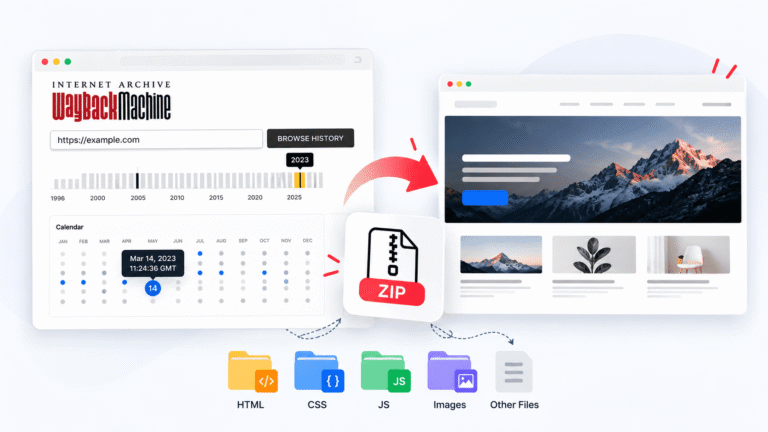
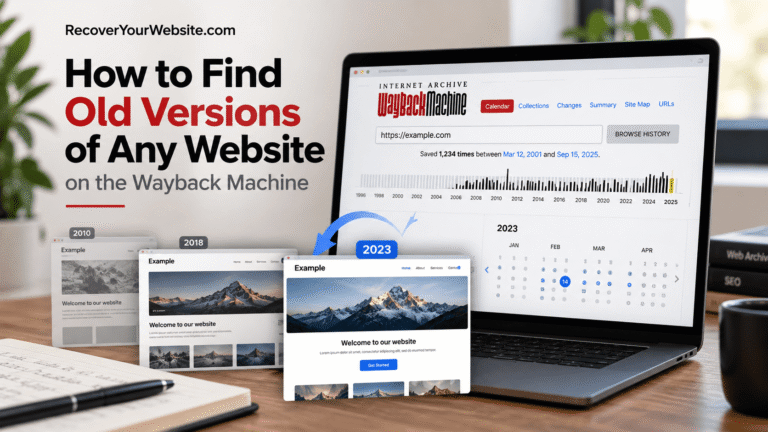
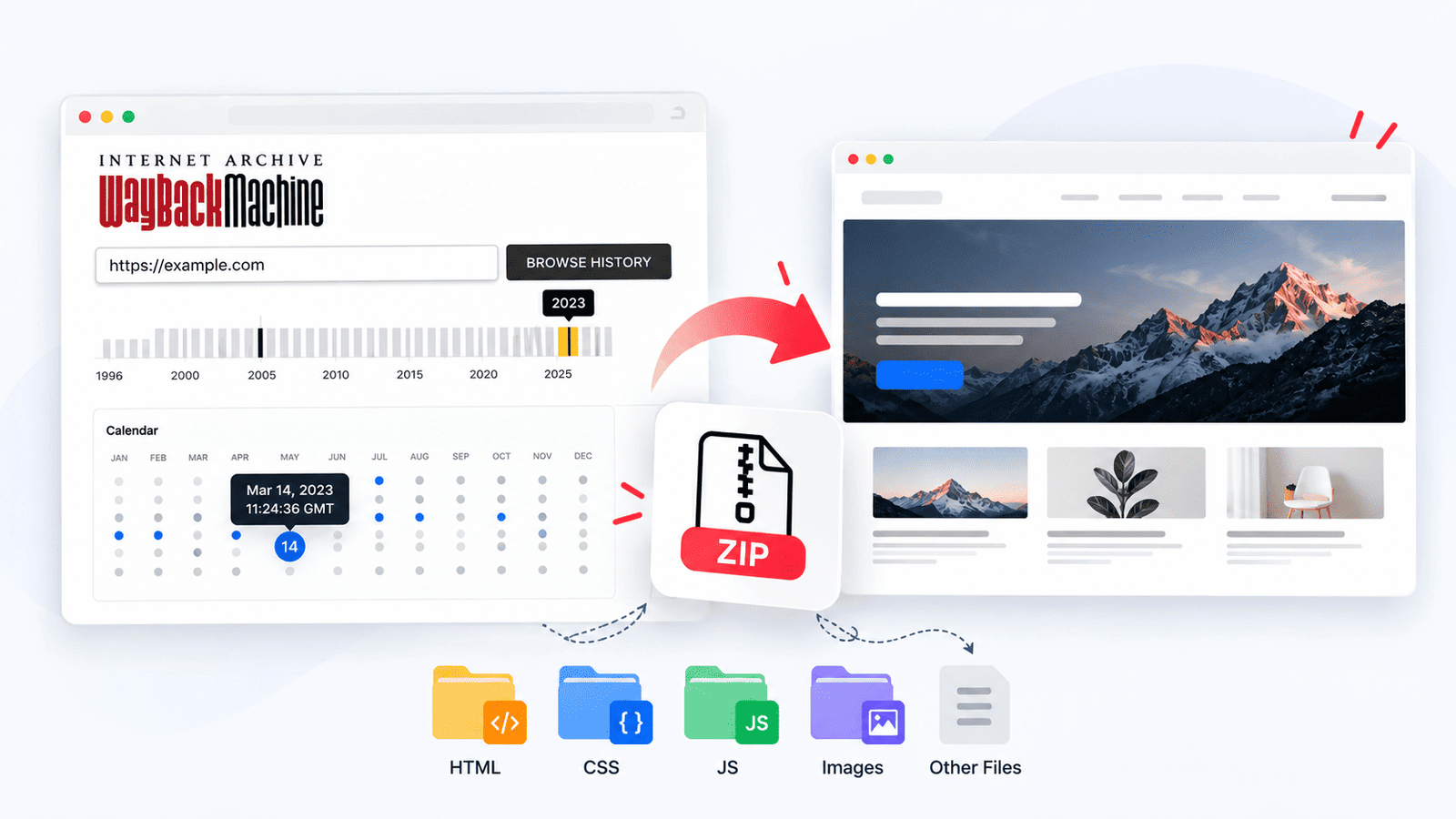
This is where the Wayback Machine turns out to be useful for something most people never expect from it. The Internet Archive has been quietly crawling and storing snapshots of public websites for years, and there is a decent chance it captured yours before it was compromised.
RecoverYourSite’s website downloader pulls the pages, images, CSS, and JavaScript from that snapshot and packages all of it into a working ZIP file you can open and inspect yourself, rather than trusting whatever the hacked database still contains. A free preview covers the first 5 pages, so you can confirm the snapshot is genuinely the pre-hack version before paying for anything. If you would rather understand exactly how the crawling and packaging works first, this guide covers that process in detail.
Open the recovered files and actually read a few pages before going further. If you see spam links or unfamiliar content, the snapshot is from after the infection and you need to go back further in the archive.
WordPress Hack Recovery Options: DIY vs Professional Service
Once you have confirmed the clean snapshot, there are two realistic ways to get the site back. The right one mostly depends on how much you want to handle yourself and whether you need an editable dashboard at the end of it.
The DIY route works well if you mainly need the content archived or handed to a developer. Their pricing page lays out which plan covers how many pages. The website restoration service is built for people who want their dashboard back rather than a folder of static files, and it pairs naturally with a hack recovery since you are rebuilding clean either way.
What a Snapshot Cannot Restore After a WordPress Hack
It is worth being upfront about the limits, because they determine how much manual work sits on the other side of the recovery.
| Comes back from the archive | Has to be rebuilt or re-entered |
|---|---|
| Public pages, posts, and their text | User accounts and passwords |
| Images, CSS, and layout | Comment threads and form submissions |
| Navigation and site structure | Order history and customer records on a store |
| Anything a visitor could see without logging in | Plugin settings and configuration |
On a brochure or content site, that second column is usually close to empty and the recovery is nearly complete on its own. On a store or membership site, the archive gets your public pages back while database records have to come from your payment processor, your email records, or a host database backup if one exists.
How to Relaunch Your WordPress Site Safely After a Hack
Getting files back online is not the finish line. The vulnerability that let someone in the first time is often still sitting there, and reinstalling everything exactly as it was is how sites get compromised twice in a month.
- Install WordPress fresh rather than reusing the old compromised installation directory.
- Reinstall plugins and themes from official sources, never by copying the old files across.
- Leave out any plugin you were not actively using, especially anything abandoned or no longer updated.
- Scan the recovered files before uploading, even though they predate the infection.
- Set every password new, and do not reuse anything from the compromised account.
- Request a review in Google Search Console if a warning was applied to your listing.
How to Prevent Your WordPress Site from Being Hacked Again
None of this has to be complicated or expensive to prevent going forward, and most of it is a one afternoon setup that then runs on its own.
- Keep at least one backup stored somewhere other than your own hosting account.
- Use a security plugin that scans for malware and blocks brute force login attempts.
- Update WordPress core, themes, and plugins on a schedule instead of waiting for a warning.
- Remove any plugin or theme you are not actively using, even if it seems harmless.
- Limit how many people have admin access, and review that list every so often.
- Turn on two factor authentication for every admin account.
This list of recommended hosts also covers backup, security, and monitoring tools organized by stage of the recovery journey, including free options if budget is tight right now.
Frequently asked questions
How do I recover a hacked WordPress site without a backup?
Use an archived snapshot from before the infection. The Internet Archive likely captured your site while it was still clean. RecoverYourSite’s website downloader pulls that snapshot into a usable ZIP file with your pages and images intact. Just make sure the snapshot date is before the hack, not just before you noticed it.
How long does WordPress hack cleanup take?
A simple malware removal can take a few hours. A serious compromise with no clean backup and a suspended host account can take several days. If speed matters, this recovery service handles it faster than working through it yourself.
Can you fully recover a compromised WordPress site?
Usually yes. Public content, pages, posts, and images typically comes back complete if a pre-hack snapshot exists. What does not come back automatically is database-only data like orders, user accounts, and plugin settings. On a content site that is rarely a problem. On a store it needs extra work.
What causes most WordPress sites to get hacked?
Outdated plugins and themes are the biggest factor by far. Weak or reused passwords are second. Nulled or pirated plugins are also a common entry point since they often contain backdoors intentionally. This list of recommended tools covers security plugins that catch these issues before they become a problem.
Is WordPress malware removal enough or do I need to rebuild?
Only if you are certain the vulnerability is patched and no backdoor was left behind. If either is unclear, removal alone is not enough and the site will likely be reinfected. A fresh install with content pulled from a clean snapshot via this free tool is the safer path.
How do I know if my WordPress site has a backdoor?
Look for PHP files in your uploads folder, files with modification dates from dates nobody was working, admin users you did not create, and any code containing base64 strings or eval functions. Run a scan with Wordfence or Sucuri. If anything looks off, rebuild from a clean snapshot rather than trusting the existing install.
Still locked out and need this handled right now? Contact Us and tell us what happened.