
Your old website isn’t gone.
It’s just archived.
Website Restore Tool pulls a dead, expired, or deleted site straight out of the Wayback Machine and hands you back real, working files, right from your browser side panel. No developer, no server setup, no waiting on a support ticket.
Three steps, no part of it waits on us
The free restore runs entirely inside your browser, that’s what makes it fast, there’s no queue on our servers for the first 10 pages of any site.
Point it at the dead site
Paste an archive.org snapshot URL, or just open the extension on the
dead page itself, it fills the URL in for you from the tab you’re already on.
Restore the first 10 pages, free
The extension fetches the archived pages, rewrites the internal links, and bundles it all into a ZIP, right in your browser. No sign-up, no payment screen first.
Unlock the rest, if you need it
Sites larger than 10 pages can be restored in full, up to 5,000 pages, processed on our servers so you can close the browser and get an email when the ZIP is ready.
The actual extension, not a mockup
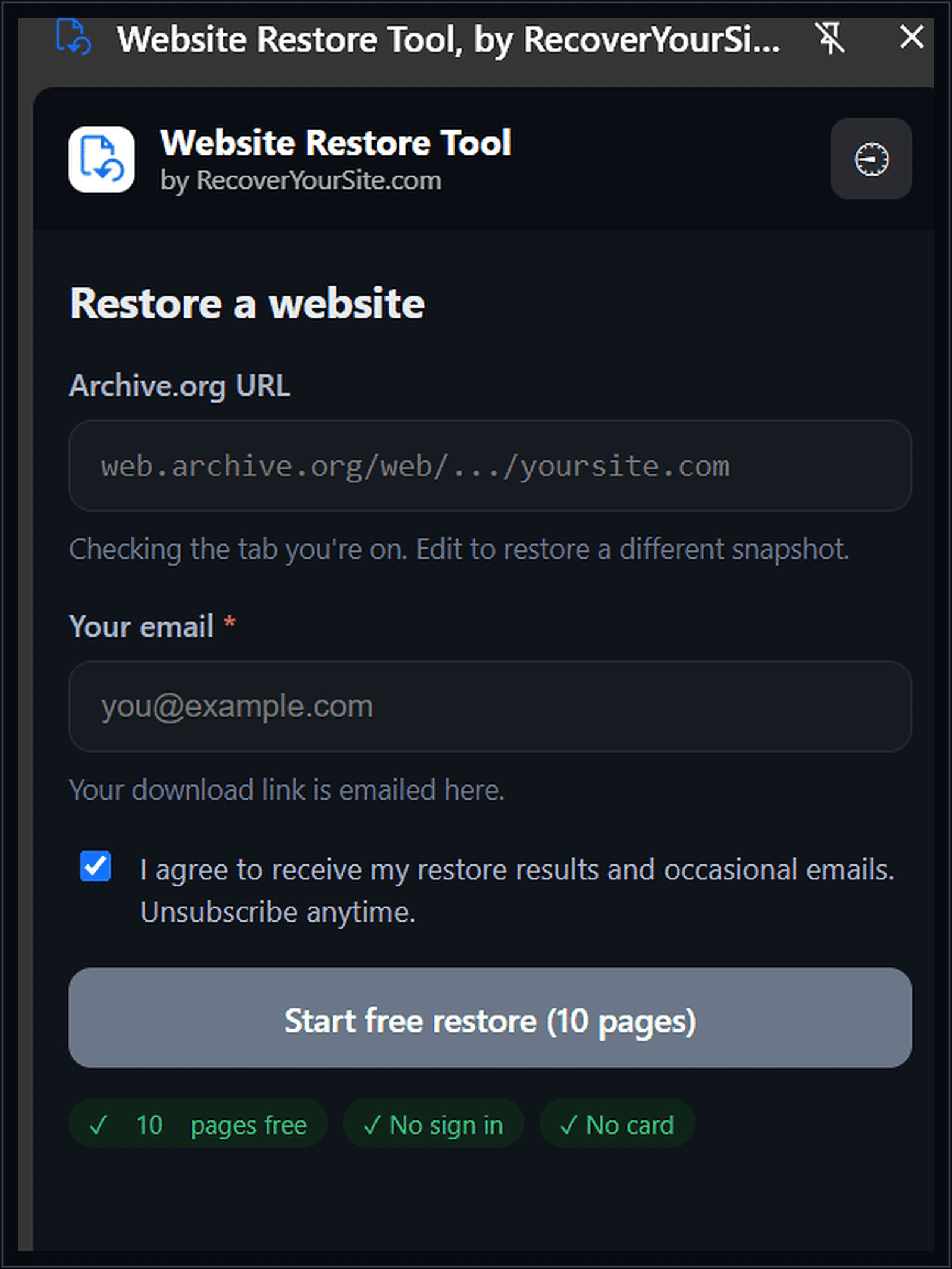
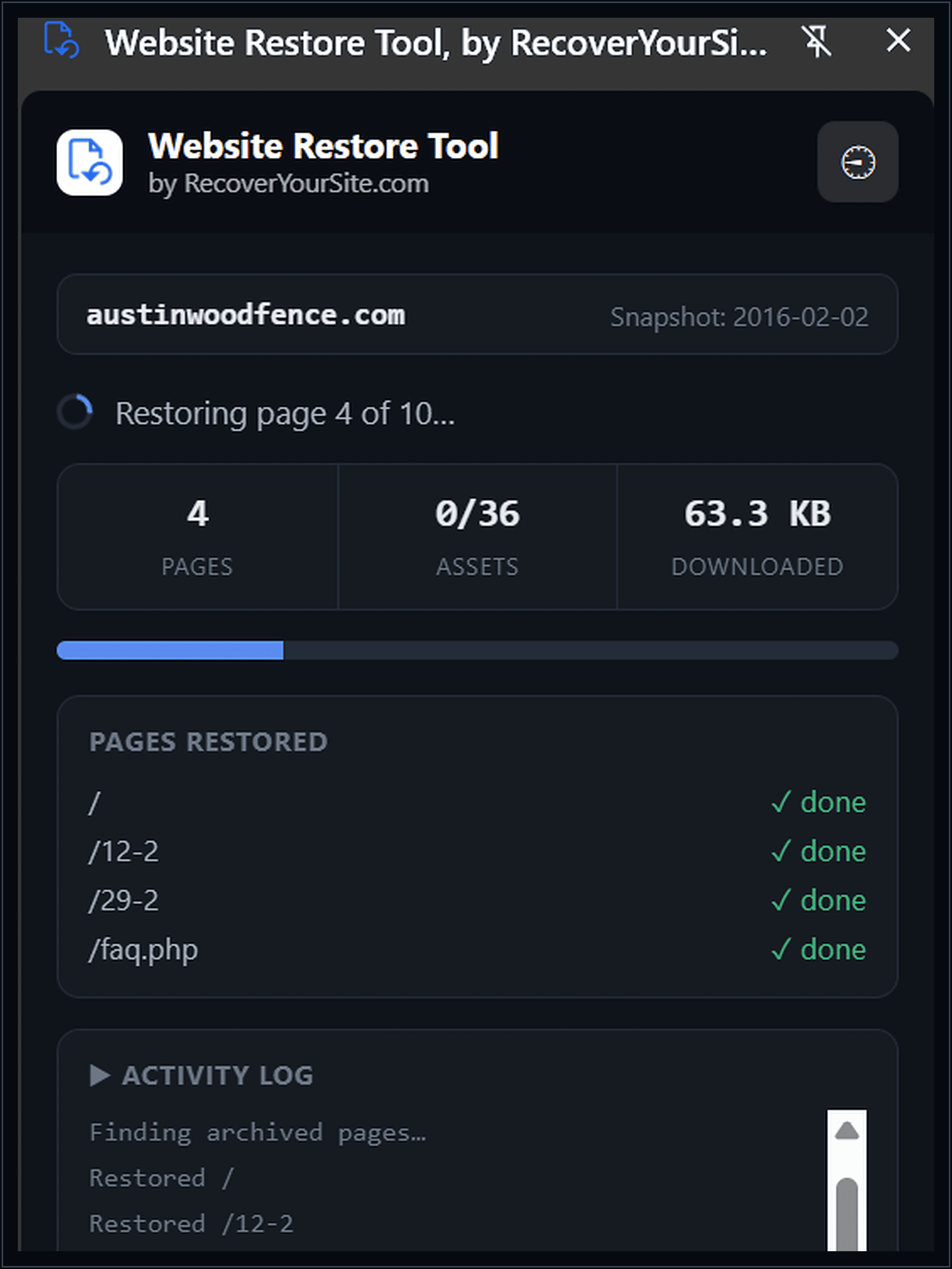
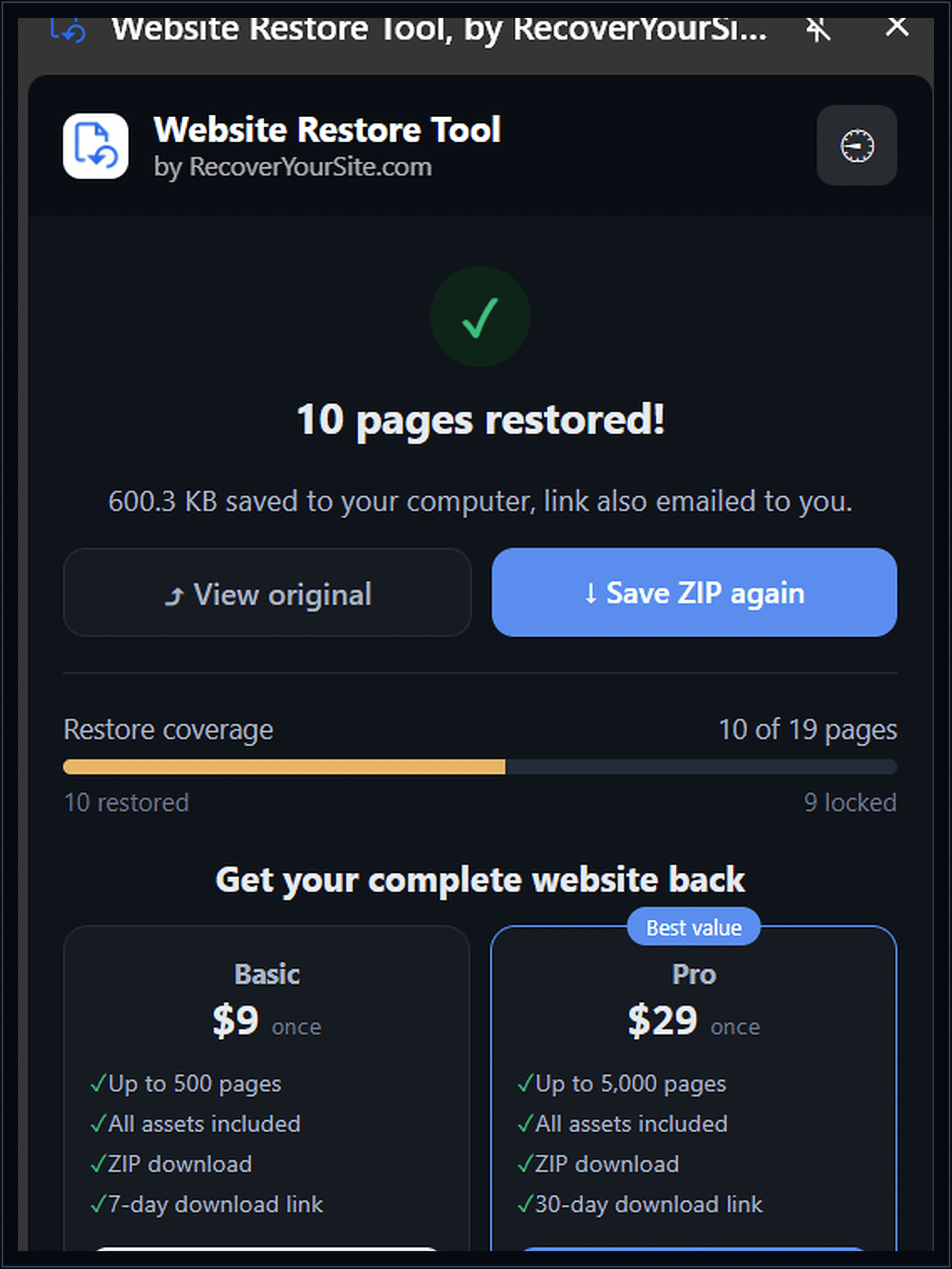
Free covers the first 10 pages of any site
Pay only if the site is bigger than that, and only once, there’s no subscription.
| Plan | Pages | Runs where | Delivery |
|---|---|---|---|
| Free$0 | Up to 10 | In your browser | Downloaded instantly + emailed |
| Basic$9 | Up to 500 | On our servers | Emailed, 7-day download link |
| Pro$29most sites | Up to 5,000 | On our servers | Emailed, 30-day download link |
Before you install
Does this actually restore my old website, or just show me a preview?
It downloads real, working files, HTML pages with their internal links rewritten so they point at each other correctly, plus the images and stylesheets the Wayback Machine captured. Open index.html and it works like a normal site, or hand the folder to a developer to re-host.
What if the Wayback Machine never archived my site?
Then there’s nothing to restore, and we tell you that plainly rather than pretending. Coverage depends entirely on what the Internet Archive’s crawlers happened to capture, we can’t recover pages that were never archived in the first place.
Do I need to know anything technical?
No. If you can copy a URL and click a button, you can run the free restore. The paid tiers are the same form, just a checkout step in between.
Is my email address sold or used for anything else?
No. It’s used to send your download link and restore updates, nothing more, and you can unsubscribe from anything beyond that at any time. Full detail is in our privacy policy.
Why is the free version limited to 10 pages?
So you can see the restore actually work, with your real site, before deciding whether the rest is worth paying for. It’s not a countdown or a trick, it just stops there until you choose to continue.
Stop assuming it’s gone. Check in under a minute.
Free for the first 10 pages of any site, no account, no card.
Add Website Restore Tool to Chrome