Website Downloader vs Wayback Machine: Which Tool to Use?
Website downloader or Wayback Machine? Here’s how to tell which tool actually fits your situation, whether your site is still live or already gone.

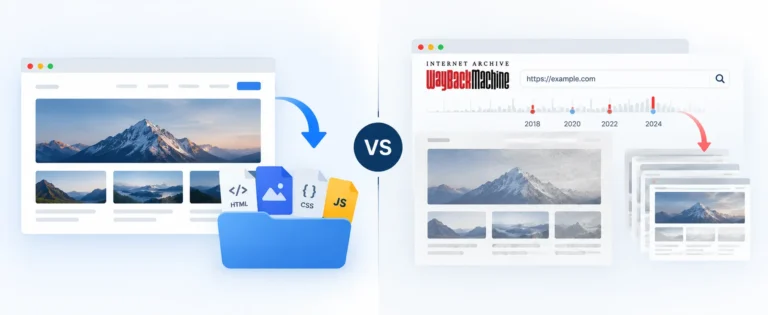
Website downloader or Wayback Machine? Here’s how to tell which tool actually fits your situation, whether your site is still live or already gone.
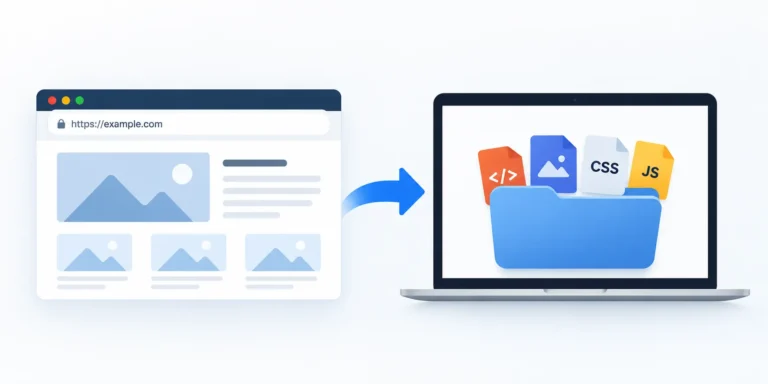
Need to back up a live website before a redesign or host migration? Here’s how a website downloader works, what it misses, and the exact steps to copy one safely.
A website that was working fine yesterday and is showing a white screen of death, a fatal error, or a broken layout today is one of the most common support requests in WordPress. In the vast majority of cases, the trigger isn’t a hack or a server outage, it’s a plugin conflict. Two plugins fighting…
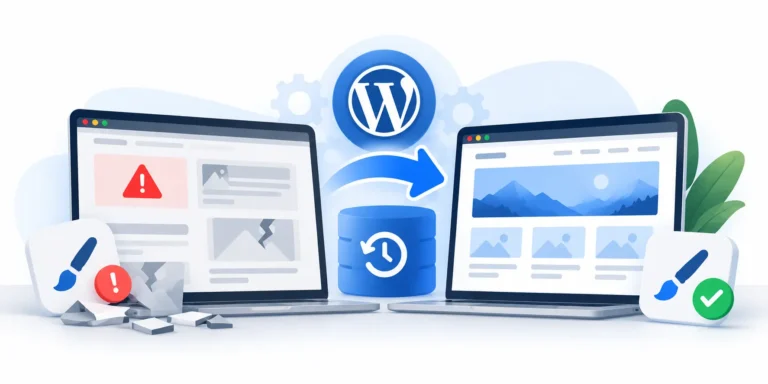
A theme update broke your WordPress site? Follow this step-by-step guide to diagnose the cause, restore your previous theme, and get back online fast.
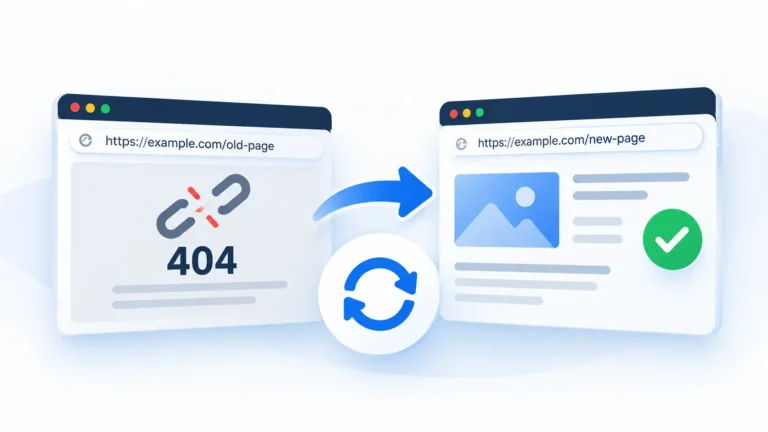
Quick Answer: Broken links after a website recovery almost always come down to one thing: your URL structure changed (even slightly) and your 301 redirects didn’t follow it. Fix it by exporting your old URL list (from Google Search Console, your XML sitemap history, or a Wayback Machine crawl), mapping every old URL to its…
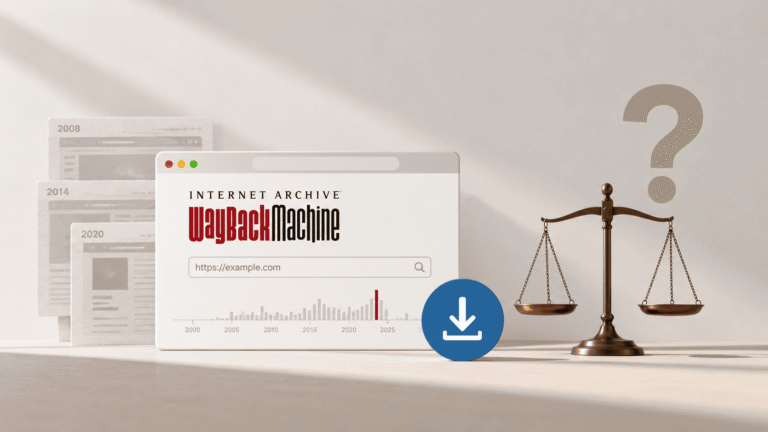
A plain English look at copyright, the Internet Archive’s own rules, and the real difference between recovering your own site and copying someone else’s.
Getting locked out of your own WordPress admin dashboard is one of the most unsettling moments a site owner can face. One minute you’re logging in to update a page, and the next you’re staring at an “incorrect password” error, a blank white screen, or a redirect loop that never lets you reach /wp-admin. The…
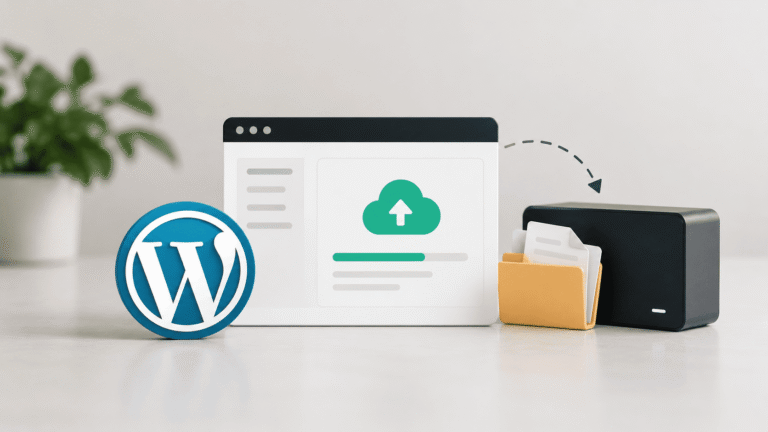
The best WordPress backup plugins in 2026 combine automatic offsite storage, one-click restoration, and incremental backups so you’re never copying your entire site from scratch. For most site owners, a plugin that backs up both files and database on a daily schedule, stores copies away from your hosting server, and lets you restore a single…
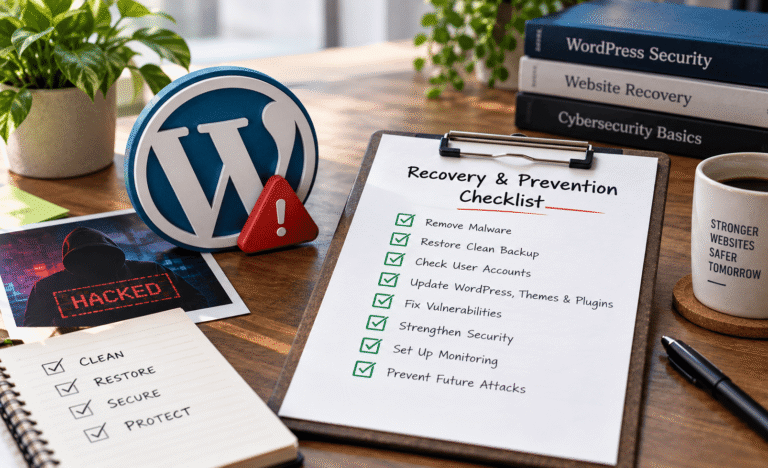
Website hacked? Follow our step-by-step malware removal and website hack restoration guide to recover safely and prevent future attacks.
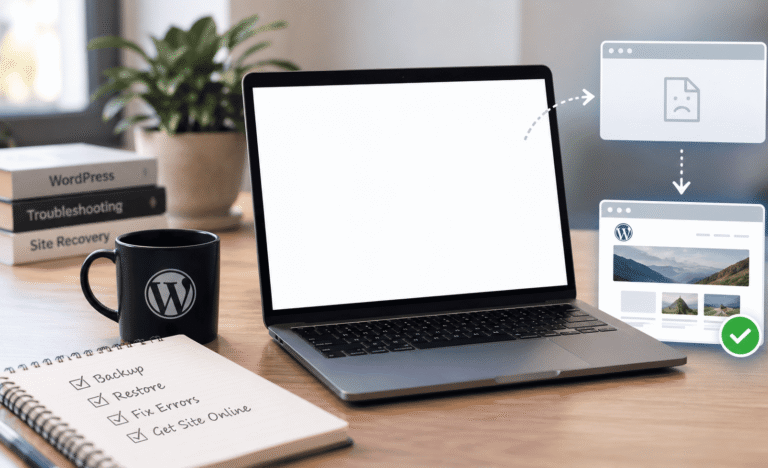
The White Screen of Death (WSOD) is almost always a PHP fatal error, not a lost website. In most cases you can fix it in minutes by increasing your PHP memory limit, deactivating plugins via FTP or phpMyAdmin, switching to a default theme, and checking your host’s error log for the exact line that’s failing….