How to Fix Broken Links and Restore Redirects After Website Recovery
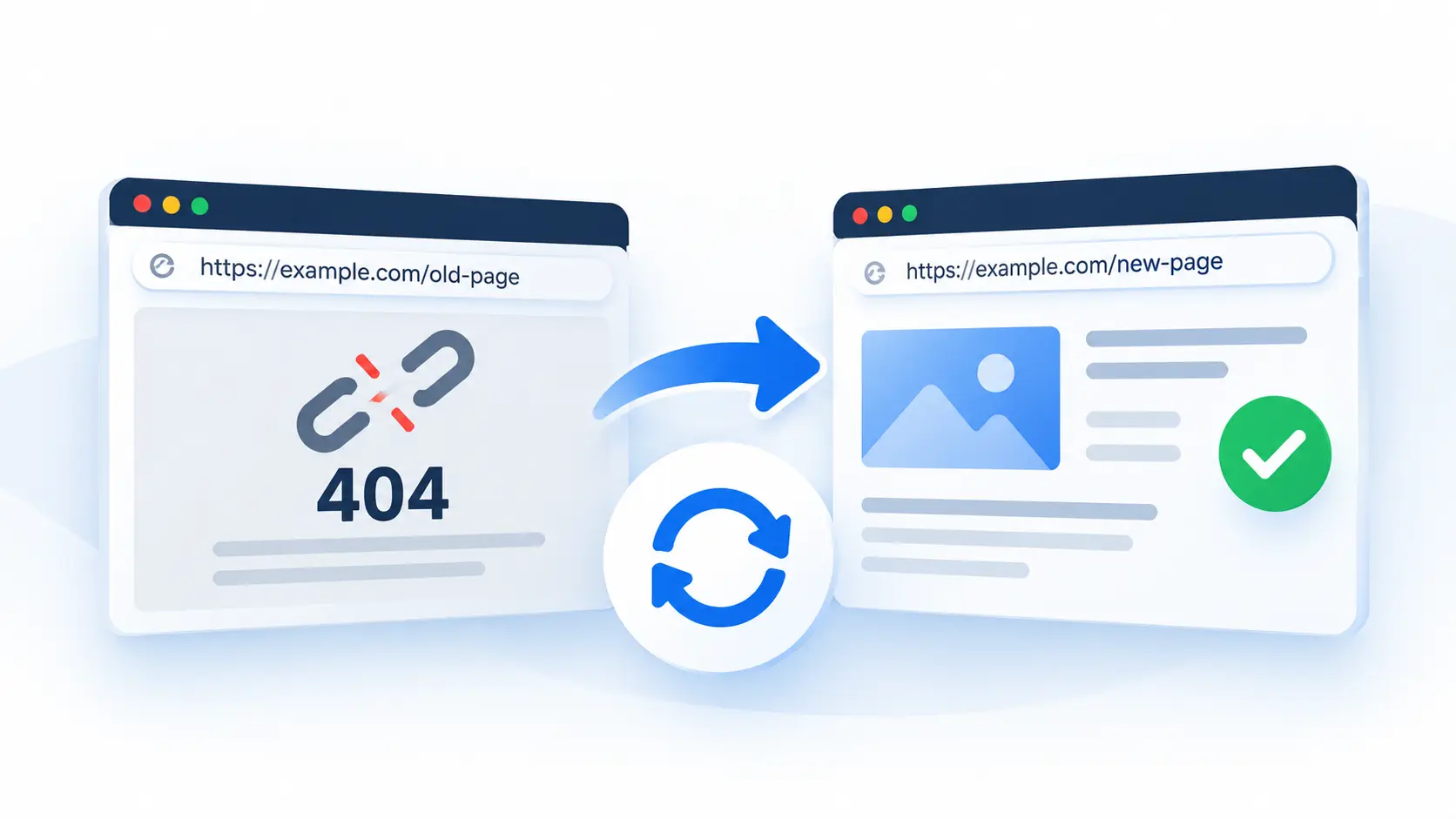
Quick Answer: Broken links after a website recovery almost always come down to one thing: your URL structure changed (even slightly) and your 301 redirects didn’t follow it. Fix it by exporting your old URL list (from Google Search Console, your XML sitemap history, or a Wayback Machine crawl), mapping every old URL to its…
Quick Answer: Broken links after a website recovery almost always come down to one thing: your URL structure changed (even slightly) and your 301 redirects didn’t follow it. Fix it by exporting your old URL list (from Google Search Console, your XML sitemap history, or a Wayback Machine crawl), mapping every old URL to its current equivalent one-to-one, and implementing those mappings as 301 (permanent) redirects at the server or plugin level never as 302s, and never as blanket redirects to your homepage. Test each redirect chain, resubmit your sitemap, and monitor Search Console’s “Page with redirect” and 404 reports for two to four weeks to confirm search engines have picked up the changes.
Recovering a website whether from a backup, a Wayback Machine archive, a failed migration, or a hosting disaster, solves the immediate crisis of “the site is back.” But it rarely restores everything to its exact prior state. Permalinks shift, category structures get rebuilt slightly differently, and old plugin-generated URLs disappear entirely. The result is a site that loads fine but is quietly bleeding traffic, backlinks, and rankings through hundreds of broken internal and external links. If your website has already lost search visibility, understanding how to recover lost SEO rankings can help you identify additional problems beyond broken redirects. This guide walks through exactly how to find every broken link created by a recovery, restore the redirects that matter, and rebuild your URL structure without losing the SEO equity you worked to build.
Why Redirects Break After a Website Recovery
A redirect isn’t a property of your content, it’s a separate instruction that lives in your server configuration, your .htaccess file, or a redirect plugin’s database table. When a website is recovered from a backup, restored from an archive, or rebuilt on a new platform, that instruction layer is one of the most commonly overlooked pieces. Understanding why it breaks helps you know exactly where to look first.
- The redirect rules never got backed up. Most backup plugins capture your database and media files but skip server-level configuration files like .htaccess or nginx.conf. If your redirects lived there instead of in a plugin, restoring the database alone won’t bring them back.
- Permalink structure changed during rebuild. Recovering a site on a new host, new theme, or new CMS often resets permalink settings to a default (like plain “?p=123” links or a different date-based structure), instantly breaking every URL that search engines and other sites had indexed.
- Content was reorganized during recovery. If you recovered from an older backup or an incomplete Wayback Machine snapshot, categories, tags, and page hierarchies may not match what existed right before the site went down so even “restored” pages sit at new addresses.
- The redirect plugin’s data table was corrupted or excluded. Popular redirect plugins store mappings in custom database tables that some backup tools don’t include by default, especially in “content-only” backup presets.
- Domain or subdomain changes during recovery. Recovering onto a new domain, a www vs. non-www variant, or switching from HTTP to HTTPS all create a fresh set of URLs that need mapping back to the originals, even when the page content itself is identical.
Each of these causes produces the same symptom, visitors and search engine crawlers hitting a 404 page but they require different fixes, which is why the diagnostic step below matters before you touch any redirect rules.
How to Restore 301 Redirects Step by Step
The goal of this process is to build a complete, accurate map from every URL that used to exist to the URL that now serves the same (or closest equivalent) content, then implement that map as permanent redirects. Rushing this for example, redirecting everything to the homepage is one of the most damaging mistakes you can make, since it tells search engines your entire site’s content has vanished.
- Pull your list of old URLs from every available source. Check Google Search Console’s Coverage and Links reports (these often retain URLs indexed before the outage), your XML sitemap history if you keep versioned backups, your analytics platform’s historical Pages report, and a Wayback Machine crawl of your domain for a snapshot taken just before the site went down. If you don’t have access to an old sitemap or analytics data, you can find old versions of any website using archived snapshots. These records can help identify URLs that existed before your website was lost.
- Crawl your current site to get the new URL list. Use a crawler (Screaming Frog, Sitebulb, or a similar tool) to generate a full list of every live URL on the recovered site, along with its title and content type, so you can match old to new by topic rather than guessing from the slug alone.
- Build a one-to-one mapping spreadsheet. For every old URL, find its closest current match. Where the exact page still exists under a new slug, map directly to it. Where a page was merged into another, redirect to the page that now covers that content. Only fall back to a category or homepage redirect when no reasonable content match exists.
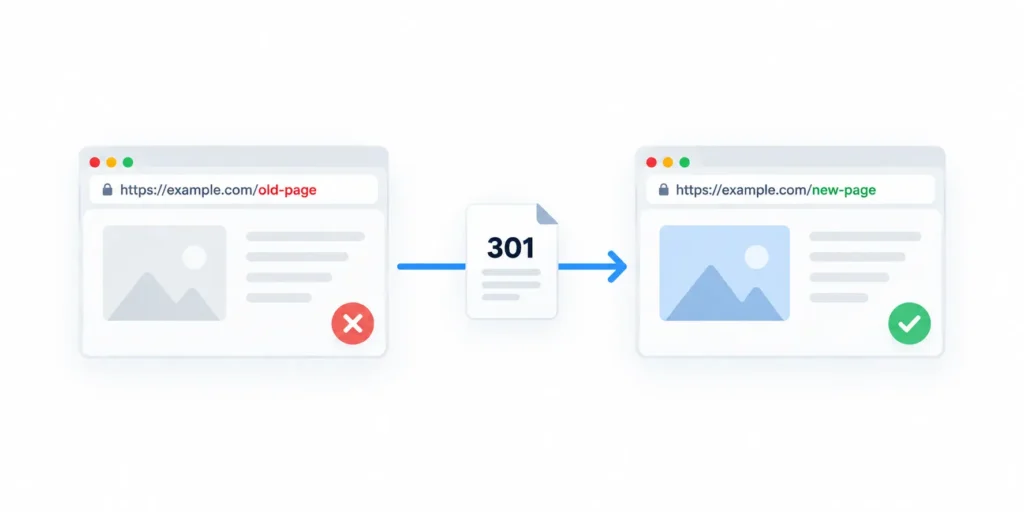
- Implement the redirects as 301s, not 302s. A 301 tells search engines the move is permanent and passes the vast majority of link equity to the new URL. A 302 signals a temporary move, which search engines may not update their index for, leaving your old URL’s authority stranded. Implement these through your redirect plugin, your .htaccess file (Apache), or your server block (nginx) whichever your host supports.
- Check for and eliminate redirect chains. If URL A redirects to B, which redirects to C, search engines and browsers both lose speed and, in extreme chains, may stop following the trail. Point every old URL directly at its final destination.
- Test every redirect before considering the job done. Use a bulk redirect checker or your crawler’s redirect audit feature to confirm each URL in your mapping returns a single 301 and lands on a 200 (OK) status page, not another redirect or a 404.
- Resubmit your XML sitemap in Search Console and use the URL Inspection tool on a sample of your most valuable recovered pages to request re-indexing under their correct, redirected addresses.
- Update internal links site-wide. Redirects fix external and bookmarked links, but your own site’s internal links, navigation menus, and old blog post references should point directly to the new URLs rather than relying on a redirect hop.
Search engines typically take anywhere from a few days to several weeks to fully process a large batch of new redirects, depending on your site’s crawl budget and authority. Larger sites with thousands of affected URLs should expect the tail end of this process to stretch toward the longer end of that range.
Rebuilding Your URL Structure Without Losing SEO Value
Sometimes recovery is also an opportunity or a necessity to redesign a URL structure that was poorly organized to begin with. That’s fine, but it multiplies the redirect work above rather than replacing it. The following principles keep a structural rebuild from quietly costing you the rankings you’re trying to restore.
First, match new URLs to the topical intent of the old ones as closely as possible, rather than to their exact wording. Search engines weigh topical continuity heavily when deciding how much authority to carry forward through a redirect; a URL about “recovering a hacked WordPress site” redirected to a URL about the same topic transfers value cleanly, even if the slug wording differs.
Second, preserve your directory and category logic where it was already sound. If your old structure organized content as /blog/category/post-name/ and that hierarchy made sense, keep it rather than flattening everything during the rebuild flattening a structure that was working is a common over correction after a stressful recovery.
Third, treat your canonical tags and your redirects as a matched pair. Every redirected URL’s destination should also be the canonical URL referenced in that page’s own markup, so you’re not sending conflicting signals about which version of a page is authoritative.
Finally, document the new structure the moment you finalize it. A simple spreadsheet recording every current URL, its purpose, and the date it was set prevents this entire recovery process from repeating itself blind the next time something goes wrong. If your recovered website has more serious problems, such as missing pages, damaged content, or an incomplete structure, professional website restoration services may help with the rebuilding process.
Redirect Method Comparison
| Method | Best For | Limitations |
|---|---|---|
| .htaccess (Apache) rules | Sites with server access, large bulk mappings, permanent structural changes | Requires editing server files carefully; a syntax error can take the whole site down |
| nginx server block rules | Sites hosted on nginx, high-traffic sites needing fast redirect processing | Requires a server restart/reload to apply; not editable through WordPress admin |
| Redirect plugin (WordPress) | Non-technical site owners, sites needing frequent redirect updates, built-in 404 logging | Adds a small amount of processing overhead per request; data must be included in backups |
| CDN/edge redirect rules | Sites using Cloudflare or similar, redirects needed before requests hit the origin server | Configured outside WordPress, easy to forget during a recovery audit |
Post-Recovery Redirect Checklist
- Exported a complete list of pre-outage URLs from Search Console, sitemaps, analytics, and Wayback Machine
- Crawled the recovered site to capture every current live URL
- Built a one-to-one old-to-new URL mapping spreadsheet
- Implemented all mappings as 301 redirects (not 302s)
- Eliminated redirect chains so each old URL points directly to its final destination
- Verified permalink structure matches (or intentionally differs from) the pre-outage setup
- Tested every redirect with a bulk checker for correct status codes
- Updated internal links and navigation menus to point directly at new URLs
- Resubmitted the XML sitemap and requested indexing on priority pages
- Set a calendar reminder to check Search Console’s redirect and 404 reports weekly for a month
If you’re recovering a website from the Wayback Machine rather than a traditional backup, understanding how it works can help you distinguish between recovering archived files and restoring the original website’s server configuration.
Frequently Asked Questions
How long do 301 redirects take to fully pass SEO value?
Most sites see the majority of link equity transfer within a few weeks, though Google has stated it can evaluate a redirect’s permanence over a longer period before fully consolidating signals. Larger or lower-authority sites should expect this on the slower end.
Should I redirect every old URL, even low-traffic ones?
Redirect any URL with existing backlinks, indexed status, or ongoing referral traffic. Old URLs with none of these can be left to return a proper 404, though a custom 404 page that helps visitors find related content is still good practice.
Can too many redirects slow down my site?
A well-implemented flat redirect (old URL directly to new URL) has negligible performance impact even at scale. The real performance risk is redirect chains, which add extra round trips for every hop.
What if I don’t know what the old URLs were?
Google Search Console typically retains historical URL data even after a site goes down, and a Wayback Machine crawl of your domain can reconstruct much of your prior URL list if Search Console access was also lost during the incident.
Is it ever okay to redirect everything to the homepage?
Only as an absolute last resort for a handful of URLs with no reasonable content match. A blanket homepage redirect for large portions of a site is treated by search engines as a soft 404 and typically drags down rankings rather than protecting them.
Restoring redirects is one of the least visible parts of website recovery, but it’s often the difference between a site that quietly regains its former traffic and one that stays stuck at a fraction of its pre-outage performance months later. Treat the URL mapping and redirect audit as a required final step of any recovery, not an optional cleanup task and revisit the checklist above any time future maintenance touches your permalink structure again.