How to Recover Lost SEO Rankings After a Website Was Down
Downtime does not mean permanent ranking loss. Here is how to get search engines to trust your site again after an outage, a migration, or a hack.
Getting the site back online is only half the job. The other half is convincing search engines, and everyone who used to link to you, that it is safe to send traffic your way again. Rankings that took years to build can wobble after even a short outage, but wobble is usually the right word. Full recovery is the normal outcome, not the exception, if you handle the weeks right after relaunch deliberately.
How much damage downtime actually does
A short outage, hours to a couple of days, rarely causes lasting harm. Search engines retry pages that error out and generally give a brief blip the benefit of the doubt. Longer downtime is a different story. Extended periods of server errors can lead search engines to crawl less often and, eventually, drop pages from the index rather than keep retrying indefinitely.
The distinction that matters most is between a server error, which effectively says try again later, and a page that returns a clean not found, which says this is gone. Getting that distinction right during recovery affects how fast everything comes back. If a site must be offline for a stretch, a proper maintenance response is far kinder to your rankings than pages returning not found.
First, make sure the site matches what search engines remember
- Recovered pages use the exact same URLs they had before, not new slugs.
- Titles, meta descriptions, and core content are close to what was there before, not a placeholder page.
- Old pages that truly are not coming back get a proper redirect instead of a dead link.
- Internal links between pages actually work, not just the homepage.
- The site returns proper success responses, and any leftover maintenance pages have been removed.
- Robots.txt is not still blocking crawlers from a period when the site was intentionally hidden.
That last point catches people surprisingly often. A robots.txt block or a search engine visibility setting switched on during recovery will quietly prevent everything else from working.
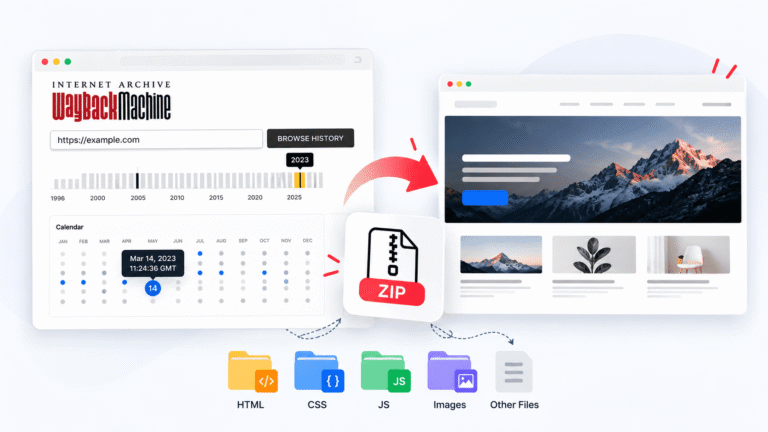
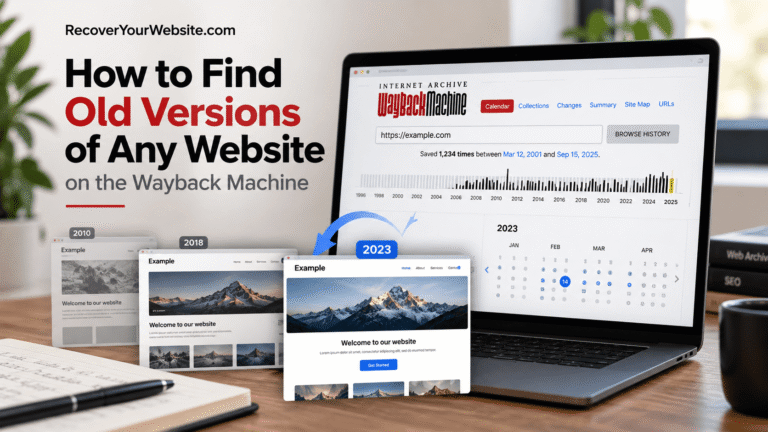
If the content itself is what is missing, an archived snapshot is usually the fastest way to restore pages exactly as they were indexed. RecoverYourSite.com pulls those pages back with their original wording intact, which matters more here than usual, rewriting from memory tends to lose the exact phrasing that was ranking. Plan details are on their pricing page.
Clean up crawl errors and resubmit your sitemap
Once the site is back and matches what it looked like before, check the coverage and indexing reports in Google Search Console for pages still showing errors. The URL Inspection tool lets you request re-indexing for individual high-value pages, though it has a daily limit, so prioritise the pages that actually drive traffic rather than working through the whole site at once.
Resubmitting your sitemap gives search engines a clean, current list to work from instead of relying entirely on whatever they remember from before the outage. Make sure the sitemap itself regenerated after the restore, since a stale sitemap listing URLs that no longer exist sends exactly the wrong signal at exactly the wrong moment.
Reclaim the backlinks that were pointing at old URLs
Links from other sites lose most of their value if they point at a URL that no longer resolves. Redirecting the old address to its live equivalent recovers most of that value automatically. For links that matter a lot — a large press mention or a long-standing partner site, it is worth reaching out directly and asking them to update the link rather than relying on the redirect indefinitely.
| Situation | What to do |
|---|---|
| Old URL restored at the same address | Nothing, the link works again on its own |
| Page moved to a new address | 301 redirect from old to new |
| Page genuinely gone for good | Redirect to the closest relevant page, not the homepage |
| High-value link to a deleted page | Restore that page rather than redirect it |
| Link points at an old domain entirely | Redirect at the domain level if you still control it |
Redirecting everything to the homepage is a common shortcut and search engines generally treat it as a soft not found, passing little value along. A redirect to a genuinely related page does considerably better. This list of recommended hosts includes SEO tools that show exactly who links to you and which of those links currently point somewhere broken — the fastest way to prioritise this work.
Check what actually got deindexed
Before assuming the whole site suffered, find out which pages actually fell out of the index. Recovery efforts work far better aimed at specific pages than spread evenly across a site that mostly survived.
The fastest check is a site search in Google: type site: followed by your domain for a rough count of indexed pages. Compare that against what you would expect. Search Console’s page indexing report is more precise, showing exactly which URLs are indexed, which were excluded, and why.
Pages still indexed and ranking need nothing beyond staying online. Pages indexed but ranking lower usually recover on their own as crawling normalises. Pages dropped from the index entirely are worth requesting re-indexing for individually. Pages showing crawl errors point at a technical problem still present on the site. Pages you did not expect to see at all — often leftover URLs from the outage or the recovery itself — are worth cleaning up early so search engines are not wasting crawl budget on them.
What normal recovery actually looks like
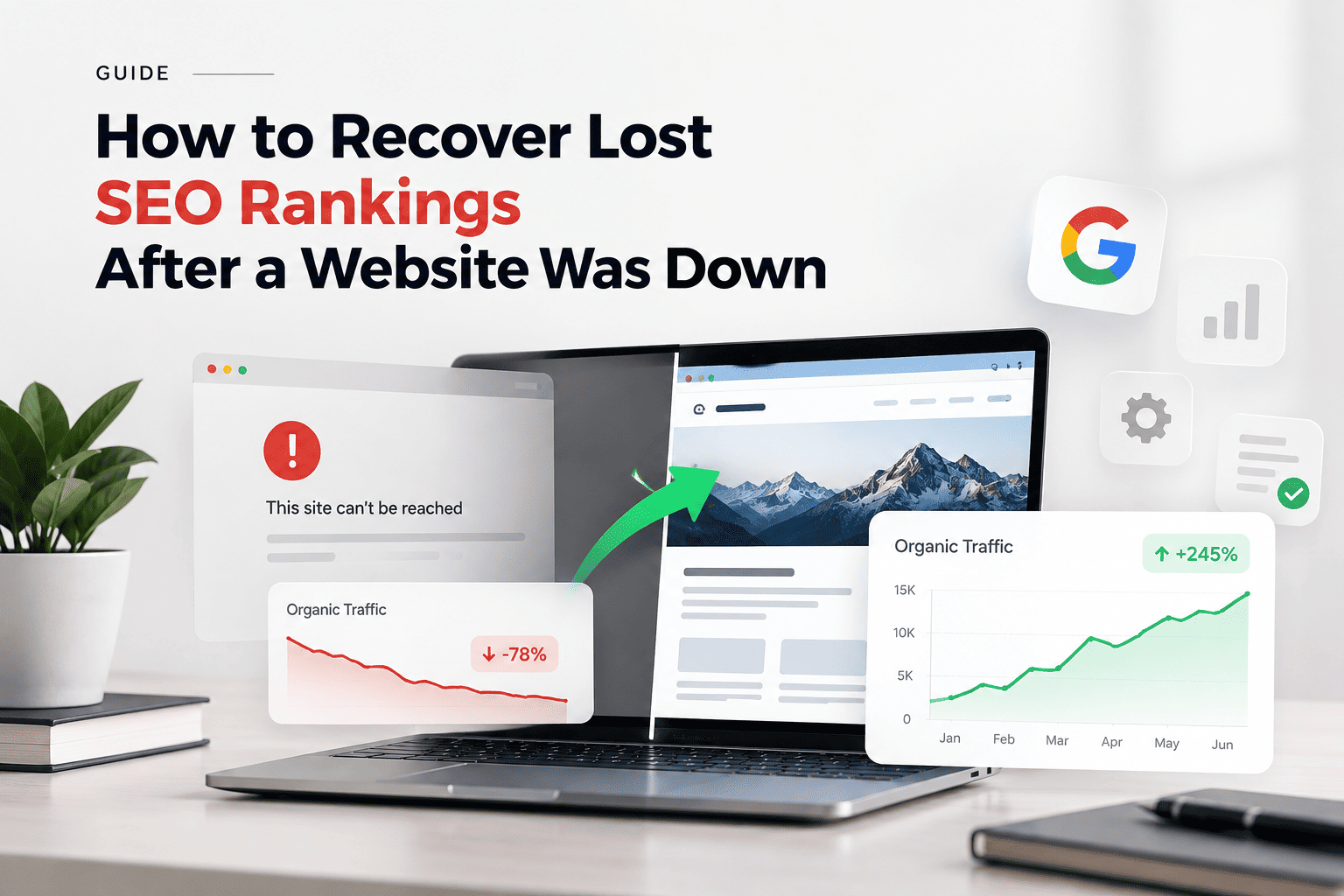
Most sites see rankings stabilise within a few weeks of relaunch. Sites that were down for a long stretch, or that lost meaningful backlink equity in the process, can take a couple of months to fully climb back. That is a normal recovery curve, not a sign that something is permanently broken.
| Timeframe after relaunch | What to expect |
|---|---|
| First few days | Crawling picks back up, little visible movement |
| Week one to two | Impressions begin recovering in Search Console |
| Week two to six | Positions climb back toward previous levels |
| Month two onward | Remaining gaps usually mean a specific issue, not lingering downtime |
Watch impressions rather than positions as your early signal. Impressions recover first because they reflect pages being crawled and shown again, while rankings settle afterward. Judging recovery by traffic alone in the first fortnight tends to cause unnecessary panic.
What not to do while you are waiting
- Do not overhaul content or redesign the site mid-recovery. Search engines are re-evaluating enough already.
- Do not change URL structures again, having just restored the ones that were indexed.
- Do not buy links in a panic. It creates a second, harder problem on top of the first.
- Do not request indexing for the same URL repeatedly. It does not speed anything up.
- Do not delete pages that seem to be underperforming during the recovery window.
- If rankings genuinely have not moved after a couple of months, that usually points to something specific rather than lingering downtime. This recovery service covers exactly that — working through crawl issues, redirect mapping, and index coverage rather than guessing.
Frequently asked questions
Will I lose my domain’s authority permanently?
Almost never, assuming the site comes back on the same domain with the same URLs and content. Established domains have earned trust over years, and a temporary outage does not erase that history.
Should I use a redirect, or relaunch on the exact same URLs?
The exact same URLs, whenever possible. No redirect is as clean as not needing one. Redirects are the right fallback when the old URLs genuinely cannot be reused, not the default first choice.
Does Google actually penalize sites for being down?
Not in the punitive sense people imagine. There is no manual penalty for an outage. What happens is mechanical: persistent errors reduce how often and how deeply a site gets crawled, which can look like a penalty from the outside even though it is search engines reacting to what they are seeing.
How long can a site be down before real damage sets in?
There is no exact threshold. As a rough sense of scale, hours are usually fine, days are recoverable, and weeks start causing index-level problems. A high-authority site crawled several times a day will show effects sooner than a small site crawled monthly.
My rankings came back but traffic did not. Why?
Check whether the pages that recovered are the ones that were actually driving traffic. It is common for a homepage to bounce back quickly while deeper pages, which often carry the bulk of search traffic, lag behind or were not fully restored. Compare your current indexed pages against what was indexed before rather than looking at overall position averages.